VPhoneOS Explained: The New Name VPhoneGaga Users Are Seeing
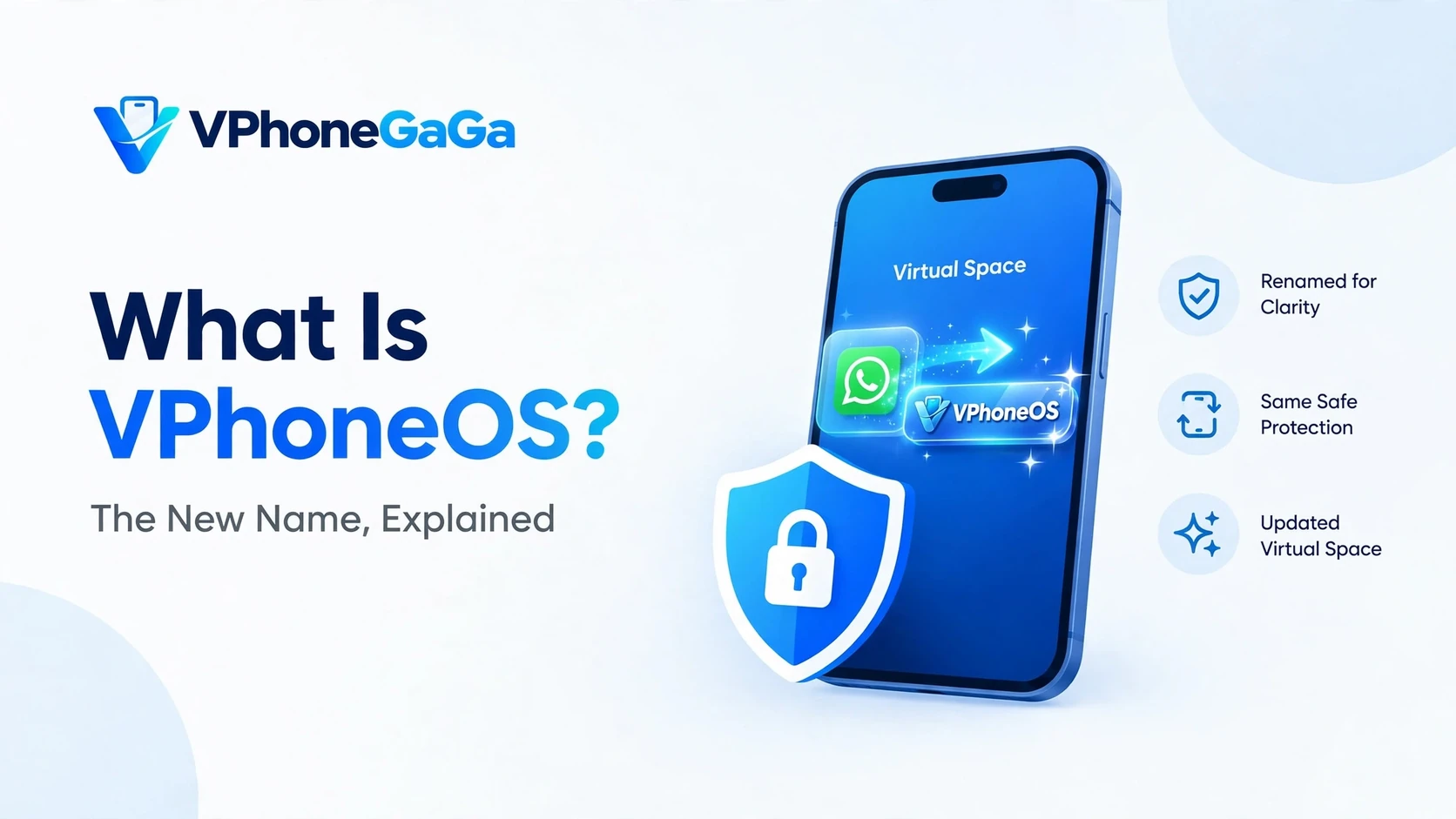
If you searched for VPhoneGaga in the last few weeks, you may have seen a second name: VPhoneOS. It shows up in store listings and on download pages where only VPhoneGaga used to appear. Many users now ask the same questions. Is this a new app? Is it a copy? Or is it the same app with a new name?
The short answer is this: VPhoneOS is the name the VPhoneGaga virtual space app now uses in its newer listings and releases. This post explains what is going on, how you can tell the real app from copies, and what current VPhoneGaga users should do.
The identity on record
Names travel faster than records, so here is the record. On Google Play, the app is listed today as VPhoneOS: Emulator. The package name on that listing is com.yoyo.snake.rush. The app has been on Google Play since November 2021, and the current version is 5.2.1, checked on 23 October 2026.
| Item | On the store record |
|---|---|
| Name on Google Play | VPhoneOS: Emulator |
| Package name | com.yoyo.snake.rush |
| On Google Play since | November 2021 |
| Current version | 5.2.1 |
If a page offers you this app under a package name that does not match the listing, you are not looking at the store build. Before you trust any file, check the package of the app already on your phone, in Settings, then Apps, and compare it with the record above.
What is VPhoneOS?
VPhoneOS is the new name for the same virtual Android idea that made VPhoneGaga known. The app builds a virtual space on your phone. In that space you can clone apps and games, run second accounts, and test apps away from your main phone. When the listings, pages, and new builds of an app start to show a fresh name, it is in most cases a rebrand. The makers present the same product line under a name they want to use from now on. It is not a new and unrelated app.
Is VPhoneOS the same app as VPhoneGaga?
Yes, it is the same family and the same job. The goal, the virtual space idea, and the users it serves all stay the same. Think of a shop that paints a new sign. What is inside is a continuation, not a copy. Still, name changes are what copycats use to fool people. So treat any single download page with care. Check that the publisher name and the page history match the app you know. Take the app from sources you already trust. This site covers the app under both names. The current build we point readers to is on our homepage, and the editions are covered in our Mod APK guide.
Why do apps change names like this?
More often than most people think. Makers rename apps to refresh the brand. A new name can be easier to say, spell, or find in search. The word OS also suggests a full system, which fits a virtual Android tool well. Store rules in some regions can also push a name change. In the virtual space category, names and listings move around a lot. That is one more reason to look twice at a download page before you install a file.
One thing must stay clear, though. For this app, no date for the name change and no reason for it has been published anywhere: not on the official site, not on the store listing, not in any word from the developer. The points above are the usual reasons apps in general change names. They are not a statement about this one. Any page that gives you a month, a year, or a reason for this rename is guessing, and a page that guesses about a small fact like this will guess about bigger ones too. We would rather tell you that the record is silent than fill the silence with a story.
Should current VPhoneGaga users switch?
If your VPhoneGaga works, there is no rush and no deadline. Most users fall into one of two cases:
- It comes as an update to the app you already have. In place updates keep your virtual space as it is. This is the smooth path, like any normal app update.
- It shows as a separate app under the new name. If you install it, you get a fresh and empty virtual space next to the old one. Your clones, accounts, and game data live in the old app and do not move on their own. Back up or sync what matters inside them first. Keep the old app until the new setup works. Our VPhoneGaga backup and restore guide covers the backup habit in full, including how much free space a backup needs.
The guides on this site still apply under both names. The fixes for stuck at 99% and for crashes and black screens describe the same virtual space behavior, with either name on the icon.
The Windows emulator inside VPhoneOS
The new name is not the only thing that changed as this app grew. The current store listing and the official site describe a Windows emulator built into the app, powered by a part of the app called Titan Engine. With it, you can open Steam inside the virtual space, or import Windows games stored on your phone, and play them on the phone screen. The controls are a virtual gamepad, or a keyboard and mouse, with key mapping so you can set the keys up the way your hands expect.
Read that again, because it runs in the opposite direction from the old guides. The PC guides for this app put the Android app on a computer, inside a desktop emulator. This feature does the reverse: it brings Windows games onto the phone. If what you want is the Android app itself on a computer, that route is still the one in our VPhoneGaga for PC guide.
One mix up is worth clearing while we are here. Titan Engine is a part of the app, an engine name in the store text. It is not the name of the developer. The developer name on the store listing is VPhoneOS. A large part of this niche calls the developer Titan, and this engine name inside the app is the likely source of that error.
Where official help lives
If you need the developer, the route is inside the app. In the developer replies on the store listing, users are pointed again and again to the developer Discord, and you reach it from inside the app through Settings, then About. That is the support route the developer itself gives out. A download page that claims to speak for the developer is not the same thing, and a support address on a random page is not this route.