Is VPhoneGaGa Safe to Use? Risks, Privacy, and Security Explained
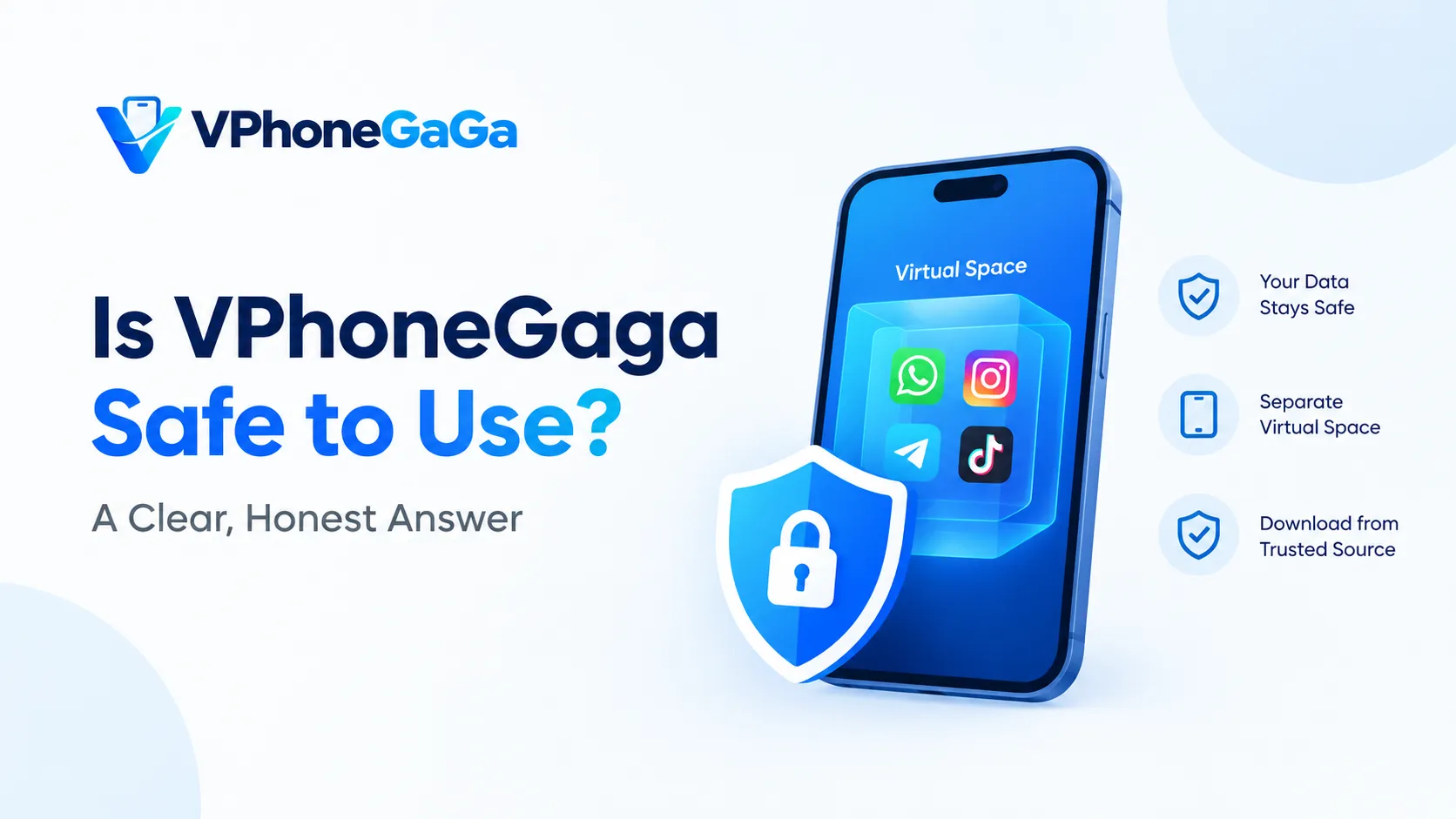
Yes, it is safe. The app runs your cloned apps inside a sealed virtual space, so they stay apart from your main phone and its data. The one thing that decides your safety is the place you download the file from. Get it from a source you trust, and the app works as it should, with no risk to your real system.
Below, we show how that safety works, what the app can and cannot reach, and the simple checks that keep you safe.
Why is VPhoneGaga safe by design?
The whole point of the app is separation. It builds a second Android system on top of your real one. All you run inside that space is walled off from your main phone.
This means a cloned app cannot see your real contacts, messages, or files unless you allow it. If a thing inside the space acts up, it stays trapped there. You can delete the space and start fresh, and your main phone is not touched.
That design is the reason people trust it for testing apps. A risky file opened inside the sandbox cannot reach the rest of your device.
What VPhoneGaga can access
Like any app, it asks for a few permissions to work. These are normal for a tool that runs a virtual system. Here is what it asks for in most cases, and why.
One count gives the scale. AppBrain counted 36 permissions on the store build in its October 2026 snapshot of the app. The count can move a little from one version to the next, so read it as a guide to size, not as a fixed promise.
| Permission | Why it needs it |
|---|---|
| Why it needs it | To install and run apps inside the space |
| Overlay | To show the floating window and controls |
| Network | To download apps and let cloned apps go online |
None of these are strange for this type of app. You can look at each permission in your phone settings and turn off what you do not want. The app cannot use a thing you have not granted.
One permission needs its own note. If the space cannot see the files on your phone, the developer says to turn on All files access for the app in the app permissions of your phone, then restart the virtual machine. The developer gave that step in a reply on Google Play in April 2026.
The part that actually matters: the download source
The app in itself is built to be safe. The real risk is a fake copy. A few sites take a popular app and slip changes into the file, then pass it off as the real one.
So the most important habit is simple. Download only from a source you trust. A file from a random pop up or an unknown link is the thing to stay away from, not the app in itself.
For the safest path, download it from our main app page or a second source you trust, and skip mystery links. That one step takes away near all of the risk people worry about.
How to check a file before you install
A few quick checks give you peace of mind before you tap install. None of them take long.
These steps take under a minute and catch near every bad copy before it reaches your phone.
The copy linked from our homepage is the checked download source for this site, so to start there takes away most of the guesswork.
Check the package name
Files for this app travel under two package names, and the split matters when you judge a file. The app on Google Play, on the store mirrors APKPure and AppBrain, and on the official site, carries the package name com.yoyo.snake.rush. Files passed around on download sites can carry a second name, com.vphonegaga.titan. No store lists that second name. We cannot prove that files under it are official builds, and no scan result we could find covers them.
Check the copy on your own phone before you trust it.
- Open Settings, then Apps, then See all apps.
- Find the app in the list and tap it. On most phones the version shows on that screen.
- To see the package name in full, install a free APK info tool from Google Play, open it, and pick the app in its list.
If your copy shows the store package name, the store scan and the update path mean what they should. If it shows the second name, treat the file as a build from an unknown source, and weigh it with the checks in this post before you sign a thing into it.
Does VPhoneGaga steal your data?
No. The standard app is a virtual machine tool, not a data harvester. It does not need your own accounts to run, and it keeps cloned apps sealed off from your main system.
Your second accounts live inside the space, apart from your main phone. You stay in control of what goes in and what stays out. As at all times, that safety holds as long as you use a real copy from a trusted source.
Are the Gold and Mod versions safe?
The Gold and Mod editions unlock the paid features for free. When you get them from a source you can rely on, they run the same sealed virtual space as the standard app. The safety model does not change.
The advice stays the same across each edition. Pick a trusted source, check the file, and review the permissions. If you want to compare the editions first, see our guide to the Gold, Mod, and Premium versions.
Will it get your accounts banned?
For day to day use, no. To run a second WhatsApp, Telegram, or Instagram inside the space is a normal, common thing to do. A lot of people run dual accounts this way.
Some online games do watch for virtual systems and may limit them. That is a game rule, not a safety point with the app. If your main worry is one game, check the policy of that game before you rely on the space for it.
Your accounts can be linked
Most people open a second account inside the space and think the two accounts look apart to the platform the accounts belong to. For the person who holds your phone, that is true. For the platform, it is not.
A hands on test by GoLogin found that the space uses the real IMEI of your phone and your real location. It masks neither one. In the same test, a browser fingerprint check inside the space stalled, because the space cannot build a fake device profile that looks real.
That means Instagram, Facebook, TikTok and Google can see that your main account and your cloned account run on the same phone. If one account breaks a rule of the platform, the platform can act on the linked accounts as one set.
So clone with open eyes. Keep the accounts you cannot afford to lose on your main phone only. Put spare accounts, test accounts and accounts of low value inside the space. If you clone an account you care about, know that the wall between the accounts stops people, not platforms. Our guide to running two WhatsApp accounts with VPhoneGaga shows the setup, and this section is the risk to weigh before you follow it.
What will not run inside it
Some apps check the ground they run on. If the check finds a virtual space in place of a real phone, the app can refuse to open, close at once, or hold back parts of what it does.
At least one user reports that Free Fire inside the space shows a detection message that speaks of a blacklist. That is one report about one game, not a rule for all games. Read it as a sign of the risk, not as a promise of what will happen on your phone.
Banking and payment apps sit in the highest risk group. They run strict integrity checks, and checks of that kind often refuse a virtual space. The same can hold for any app that guards accounts or money with hard checks. No list of names can stay true for long, so we print the pattern, not a list: the stricter the check, the higher the chance of a refusal.
The safe order is simple. Test an app inside the space first. Keep banking, payment and key accounts on your main phone, where no check can trip on the space.
How to use VPhoneGaga more safely
Once the app is on your phone, a few habits of each day keep your accounts and data safe.
Frequently Asked Questions
The bottom line
VPhoneGaga is safe to use when you download it with care. The sealed virtual space keeps your main phone safe, the permissions are normal for this kind of tool, and your data stays under your control. The only real risk is a fake copy, and that is easy to stay away from.
Stay with a trusted source, do the quick file checks, and review the permissions. Do that, and you get a private second phone that keeps your real device safe.